Managing apps and licenses
When working with devices: Choose the Apps tab in the right panel to view a list of all applications installed on the device or devices, including size details.
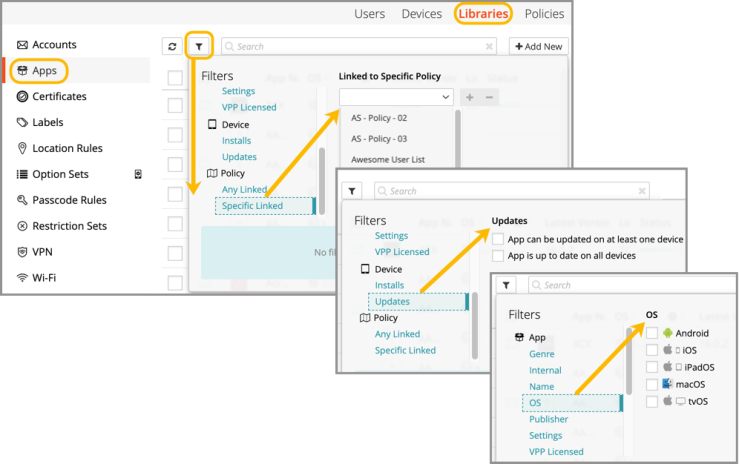
When working in the Apps Library (shown below): An admin can view app details; filter subsets of apps; edit settings on edit-enabled apps; remove one or more apps from the library; view all devices with a specific app assigned; add a new email account to the library, as well as upload an appconfig.xml file (iOS only) to an app that is not yet edit-enabled.